
You wrote a skill. You ran tessl skill review. The scores came back : 68% activation, 100% implementation, 84% overall and the feedback told you exactly what was weak. But it didn't tell you what to change.
That's the gap --optimize closes.
What optimize does
The tessl skill review command already gives you structured feedback on two dimensions: activation (how clearly your description signals when the skill should trigger) and implementation (how concrete and well-structured the body is). It flags specific issues, scores each dimension, and gives you an overall rating.
The new --optimize flag takes those findings and proposes an improved version of your skill : targeted directly at the weaknesses the review surfaced. The flow is: review, optimize, review again. Everything runs locally, and you see the diff before deciding whether to keep it.
The important part isn't that it edits for you. It's that it edits in response to what the review found.
Quick win: tightening activation language
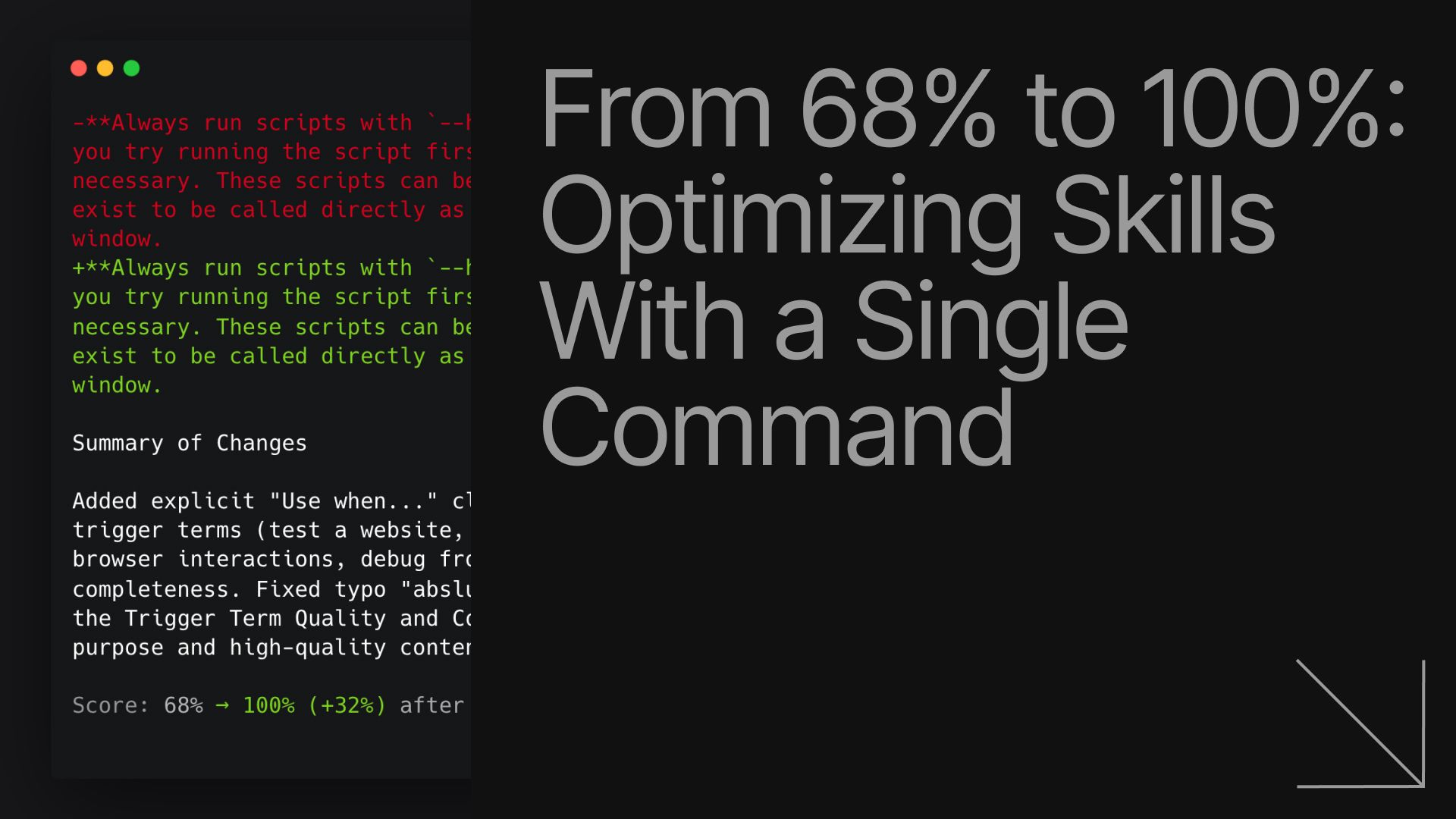
The webapp-testing skill from Anthropic had strong implementation but weak activation. Its baseline scores were 68 / 100 / 84.
The original description:
Toolkit for interacting with and testing local web applications using Playwright. Supports verifying frontend functionality, debugging UI behavior, capturing browser screenshots, and viewing browser logs.
Technically accurate, but it describes what the skill is rather than when someone would reach for it. After running optimize:
Toolkit for interacting with and testing local web applications. Use when the user asks to test a web app, automate browser interactions, check UI behaviour, run e2e tests, or debug frontend flows.
Same skill. Same workflow. The only change is that the activation language now mirrors how a developer would actually phrase a request. The rerun scored 100 / 100 / 100.
Deeper edit: clarifying scope and process
code-simplifier from Sentry started at 82 / 65 / 74. The description was accurate but generic, and the process steps lacked validation.
The original description:
Simplifies and refines code for clarity, consistency, and maintainability while preserving all functionality.
After optimize:
`Simplifies and refines code for clarity, consistency,
and maintainability — extracting methods, simplifying conditionals,
removing duplication, flattening nesting, and improving naming.
Unlike performance-focused refactoring or general code review,
this skill targets elegance and readability exclusively.`
The scope is now concrete and clearly differentiated from adjacent skills. The SKILL.md body changed too. Where it previously said:
5. Verify the refined code is simpler and more maintainable
It now reads:
5. Validate — run tests, verify linter passes, confirm outputs match pre-refactor behaviour 6. Iterate — if tests fail or linter errors appear, fix and re-validate before proceeding
That turns a vague instruction into an operational loop, which is exactly what the implementation score measures. After rerunning review: 100 / 100 / 100.
What to expect
The pattern across both examples is the same: the optimize loop tightens activation language, clarifies scope, and makes process steps more explicit. It doesn't invent new functionality or rewrite a skill beyond recognition.
That said, it doesn't always work perfectly. Sometimes optimize makes no changes. Sometimes it edits text and the score doesn't move. Larger diffs still need a human pass. The value is that you're no longer editing blind : you have a measure, a targeted rewrite, and an immediate way to check whether the structure improved. If the diff makes sense, keep it. If it doesn't, revert.
Try it
Run this on any skill you've written:
tessl skill review ./my-skill --optimize
Full documentation is in the optimize guide.